Quick Start
Step 1: Duplicate google sheet file from the drive.
Note: Don't modify the sheet.
Step 2: Replace quickStartUrl key value with Test website in configuration sheet.
Step 3: Go to TC-Quick-Start sheet.
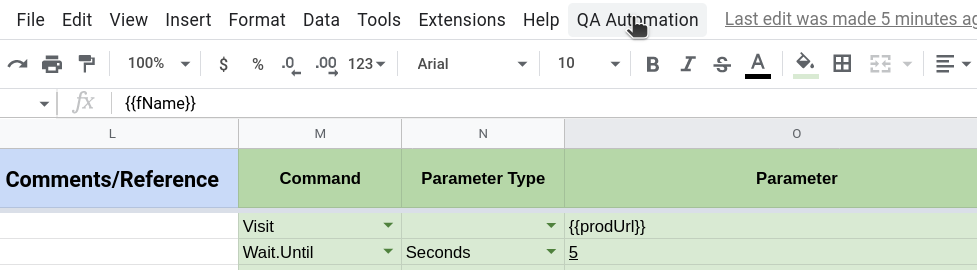
Step 4: Click on QA Automation menu.
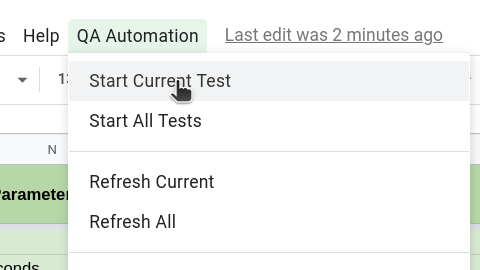
Step 5: Click Start Current Test from the option.
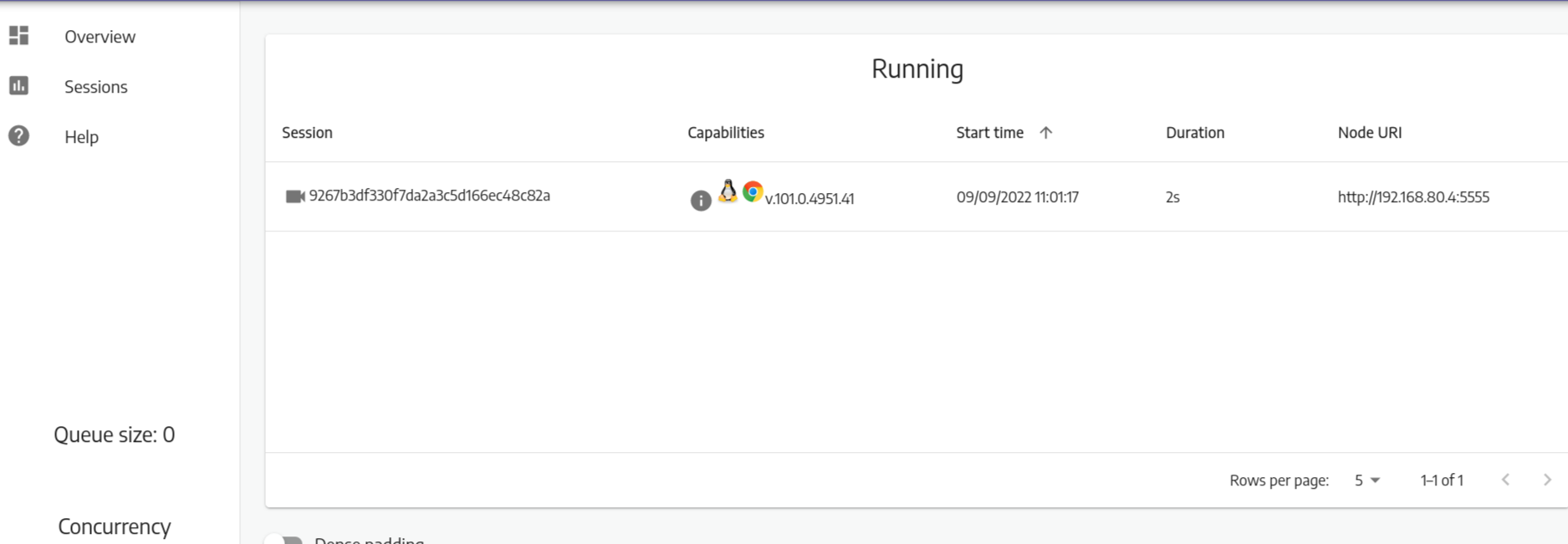
Step 6: Go to Video and click to sessions on left side menu. You can see the video of running current test. Click to the video, it will ask for password. Type secret and submit.
Step 8: After test is complete, go back to the sheet.
Step 9: Click on Refresh Current from QA Automation option to see the status of test cases.